




















































Gamma APP is popular for fast slide building. But it is not the only choice. If you are looking for a better AI PPT maker or a more classic slide format, this list will help you find the right AI presentation maker.
1. Dokie AI
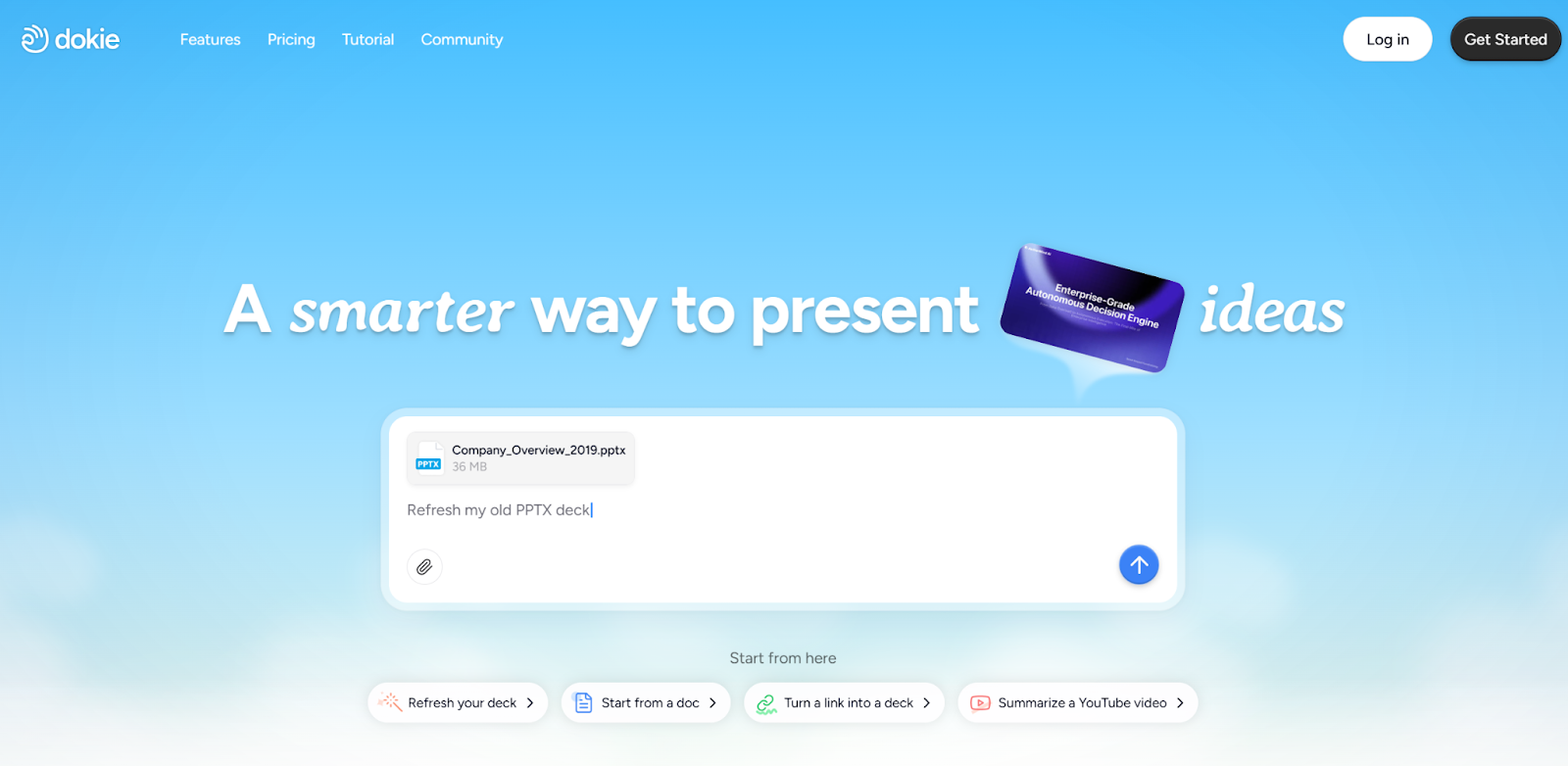
Dokie AI is one of the strongest Gamma APP alternatives for AI PPT creation. It is a focused AI PPT maker built for business and professional slides. You enter a topic, short prompt, or outline, and the AI slides generator creates a full slide deck in minutes. It builds clear titles, key points, and structured sections that feel ready for real meetings.


Unlike scroll-style tools, Dokie AI creates traditional slide layouts that work well for PowerPoint presentations. You can edit slides online, change themes, adjust layouts, and then export to PPT format. This makes it useful for pitch decks, reports, training slides, and client presentations. If you want speed plus a classic slide style, Dokie AI is one of the best AI PPT makers to replace Gamma APP.
Pros
- Fast and structured slide creation
- Traditional PPT format
- Easy editing and export
- Clean business design
Cons
- Fewer creative themes
- Requires internet access
2. Beautiful AI
Beautiful AI is a strong AI presentation maker that focuses on smart design. It uses layout rules to keep slides clean and balanced. When you add text or images, the slide adjusts automatically.
This AI PPT maker is great for users who care about visual polish. It offers many business templates for sales decks, reports, and investor presentations. While it does not focus heavily on AI writing like some AI slides generator tools, it ensures every slide looks neat and professional. If you like Gamma APP’s clean feel but want more design control, Beautiful AI is a solid choice.
Pros
- Smart auto layouts
- High-quality templates
- Great for business slides
Cons
- Less advanced AI writing
- Paid plans can be costly
3. SlidesGPT
SlidesGPT is a simple AI PPT maker that turns text into slide decks quickly. You type a topic, and it creates a structured outline with titles and bullet points.
This AI presentation maker focuses more on content than design. It is helpful for school work, quick reports, and first drafts. You can export to PowerPoint or Google Slides and continue editing there. If you want a tool that quickly organizes your ideas into slides, SlidesGPT works well as a Gamma APP alternative.
Pros
- Easy to use
- Fast content structure
- Multiple export formats
Cons
- Basic design style
- Limited customization
4. Slidesgo
Slidesgo is known for its large template library. It now includes AI features that help generate content inside selected templates. You choose a theme, and the AI slides generator fills in text based on your topic.
This AI PPT maker works well for both creative and business presentations. It supports Google Slides and PowerPoint. Compared to Gamma APP, Slidesgo feels more template-based. If you like strong design variety and colorful themes, it is worth trying.
Pros
- Huge template collection
- Works with Google Slides
- Creative and fun styles
Cons
- AI writing is basic
- Some templates require payment
5. Canva
Canva is a popular design platform that now includes AI presentation maker tools. You can create slides using prompts and then edit them with drag-and-drop features.
As an AI PPT maker, Canva is beginner-friendly. It offers many free graphics, icons, and photos. While it is not only an AI slides generator, it helps speed up slide creation with smart suggestions. Canva is a good alternative if you want more design flexibility than Gamma APP.
Pros
- Very easy to use
- Large design library
- Flexible editing tools
Cons
- AI writing is simple
- Some premium features cost extra
6. Tome
Tome is built for storytelling. This AI presentation maker creates visual story-style slides based on prompts. It mixes text and images in a smooth way.
Tome is strong for startup ideas and creative decks. It feels modern and interactive. However, like Gamma APP, it may not follow strict traditional PPT layouts. If you want a storytelling-focused AI PPT maker, Tome is a good option.
Pros
- Strong storytelling flow
- Easy prompt-based creation
- Interactive features
Cons
- Less traditional slide format
- Free plan limits
7. Pitch
Pitch is designed for teams. It combines collaboration tools with AI presentation maker features. The AI helps suggest layouts and speed up slide drafting.
Pitch is widely used by startups and sales teams. It allows real-time editing and feedback. Compared to Gamma APP, it feels more structured and business-focused. If teamwork matters for you, Pitch is one of the best AI PPT makers to consider.
Pros
- Real-time collaboration
- Clean business templates
- AI-assisted slide drafting
Cons
- Slight learning curve
- Mainly focused on business users
8. Prezi
Prezi offers a zoom-style presentation format. It now includes AI tools to help generate content and structure slides.
Instead of moving slide by slide, Prezi zooms in and out of topics. This creates a dynamic feel. As an AI slides generator, it helps with outlines and layout ideas. If you want something different from Gamma APP but still creative, Prezi can be interesting.
Pros
- Unique zoom effect
- Engaging visual style
- AI content suggestions
Cons
- Not traditional slides
- Can feel overwhelming
9. Visme
Visme is a design-focused AI PPT maker with strong data tools. It helps create slides, charts, and reports with templates and AI support.
This AI presentation maker is useful for business reports and data-heavy slides. It offers brand kits and detailed editing. While it may take more time to learn, it provides strong control over visuals. If you need charts and infographics, Visme is a strong Gamma APP alternative.
Pros
- Strong chart and data tools
- Branding features
- Wide template range
Cons
- More complex editor
- Some features require payment
10. Microsoft Copilot for PowerPoint
Microsoft Copilot works inside PowerPoint and acts as an AI PPT maker. You can enter prompts, and it creates slides directly in your presentation file.
This AI presentation maker is useful for users who already use Microsoft Office. It helps with outlines, summaries, and design suggestions. Since it works inside PowerPoint, it keeps the classic slide format. If you prefer staying in the Microsoft system, Copilot is a practical AI slides generator option.
Pros
- Built into PowerPoint
- Keeps traditional format
- Good for Office users
Cons
- Requires Microsoft subscription
- Less creative design variety
FAQs
1. Why look for Gamma APP alternatives?
Some users prefer traditional PPT formats, stronger business layouts, or more design control than Gamma APP offers.
2. What is the best AI PPT maker for business slides?
Dokie AI and Beautiful AI are strong options for clean and professional business presentations.
3. Are AI presentation makers easy for beginners?
Yes. Tools like Canva and SlidesGPT are simple to use and good for first-time users.
4. Can I export slides to PowerPoint with these tools?
Most AI slides generator tools support PowerPoint export, but features may vary by platform.
There are many strong Gamma APP alternatives today. Whether you need classic PPT format, better design, or stronger AI writing, the best AI PPT makers can help you build professional slides faster and easier.