


















































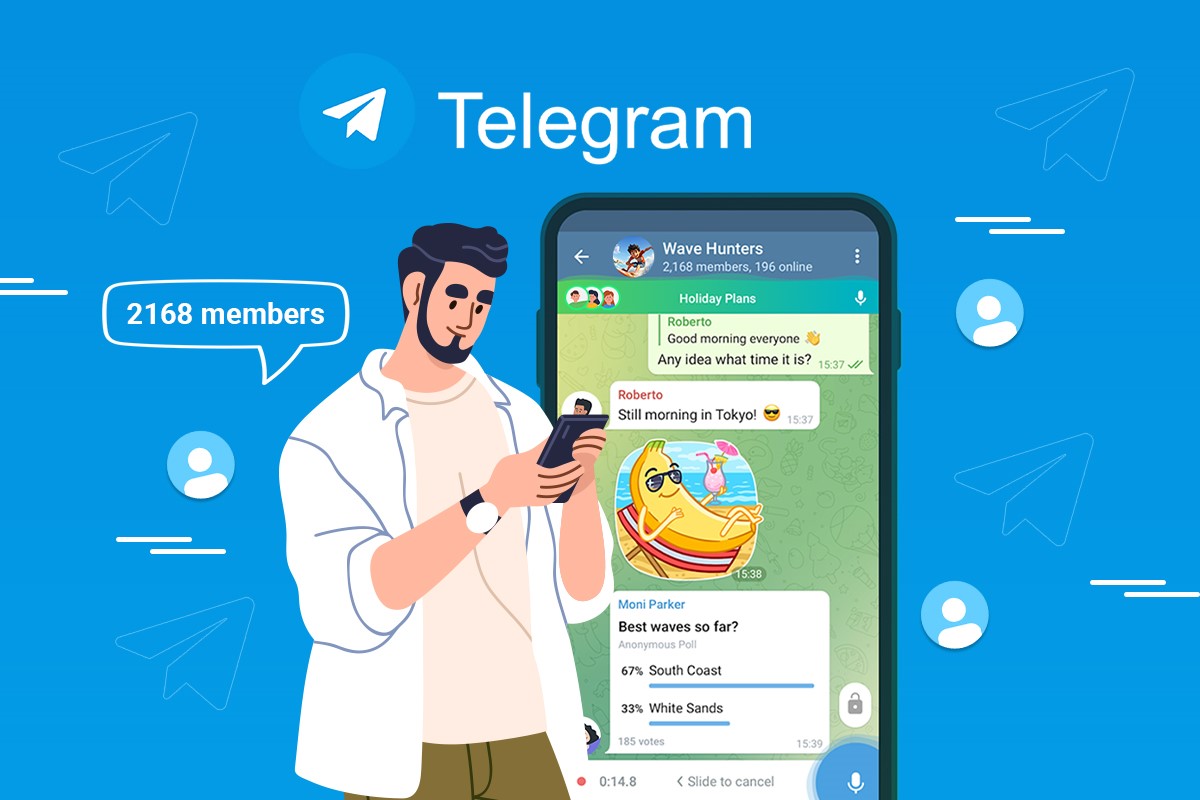
In the modern era of instant messaging, Telegram has emerged as one of the most secure and versatile communication platforms worldwide. Whether you are a casual user, a business professional, or a content creator, understanding how to access Telegram through a Telegram download or using the Telegram web version is essential for seamless communication across devices. In this article, we provide a detailed guide to both methods, highlighting their features, advantages, and practical tips for maximizing your Telegram experience in 2026.
What is Telegram?
Telegram is a cloud-based messaging app known for its speed, security, and cross-platform compatibility. With millions of users globally, it offers features like end-to-end encryption for secret chats, self-destructing messages, large group channels, and media sharing without size limits. Its versatility has made it a preferred choice for personal communication, business collaboration, and community engagement.


Telegram Download: How to Get Started
Downloading Telegram is straightforward and available on multiple platforms, including Windows, macOS, Linux, Android, and iOS. Here’s a step-by-step guide for a smooth setup:
- Visit the Official Website or App Store: Always download Telegram from trusted sources like the official Telegram website or your device’s app store.
- Select Your Platform: Choose your operating system or device type (desktop or mobile).
- Install the Application: Follow the installation prompts to set up Telegram on your device.
- Sign Up or Log In: Enter your phone number to receive a verification code. Once verified, you can set up your profile and start using Telegram.
Downloading Telegram ensures you have access to the full range of features, including push notifications, media storage, offline access, and integration with desktop and mobile devices.
Telegram Web Version: Messaging Without Installation
The Telegram web version allows users to access their account directly from a browser, making it ideal for users who cannot install the app on certain devices or prefer not to. Some key aspects include:
- No Installation Required: Simply visit web.telegram.org and log in using your phone number and verification code.
- Cross-Platform Accessibility: Compatible with any modern browser on Windows, macOS, Linux, or Chromebook.
- Convenient for Work: Great for users who want to chat directly from a workstation without switching devices.
The web version mirrors many features of the desktop and mobile apps, including sending messages, creating groups, and sharing media, although some advanced features may be limited.
Key Features of Telegram Across Platforms
Whether you use the Telegram download version or the Telegram web version, several core features make it a superior messaging app:
- End-to-End Encryption: Secret chats remain private, accessible only to the sender and recipient.
- Cloud Storage: All messages, media, and documents are stored securely in the cloud, allowing access from any device.
- Large Group and Channel Support: Create groups of up to 200,000 members or broadcast content via channels.
- Media Sharing: Send photos, videos, and files of any size without compression.
- Bots and Automation: Automate tasks, run surveys, or integrate services via Telegram bots.
These features make Telegram suitable for personal communication, marketing campaigns, online communities, and team collaboration.
Benefits of Using Telegram Web Version
While the downloadable version provides full functionality, the Telegram web version offers distinct advantages:
- Accessibility Anywhere: No need to carry your phone or install software. Access messages from any device with a browser.
- Lightweight and Fast: The web version consumes minimal resources and is optimized for speed.
- Instant Updates: Changes made on the web reflect instantly across all devices linked to your account.
For users who frequently switch devices or work remotely, the web version provides convenience and flexibility without compromising basic Telegram functionality.
Why Download Telegram Over Using the Web Version?
While both options have benefits, there are reasons to prefer the Telegram download version:
- Offline Access: Messages and media can be accessed without an internet connection.
- Advanced Features: Some bots, integrations, and multi-device syncing work better in the app.
- Notifications: Real-time notifications on desktop and mobile keep you updated immediately.
For heavy users, businesses, or content creators, downloading Telegram ensures a smoother, feature-rich experience.
Tips for Maximizing Telegram Usage
- Enable Two-Step Verification: Add an extra layer of security to protect your account.
- Organize Chats: Use folders and pinned messages for easy navigation.
- Leverage Bots: Automate tasks, schedule reminders, and integrate third-party services.
- Use Across Devices: Sync your messages across mobile, desktop, and web platforms for seamless communication.
Conclusion
In 2026, Telegram remains a powerful messaging platform for both personal and professional communication. By understanding the difference between Telegram download and Telegram web version, users can choose the method that best fits their workflow, device constraints, and preferences. While the web version provides convenience and accessibility, downloading Telegram unlocks the full suite of features and ensures offline access.
Whether you are using Telegram for social communication, business collaboration, or content broadcasting, leveraging both the downloadable and web versions can create a seamless messaging experience that enhances productivity, security, and connectivity.