




















































For online businesses, the customer experience does not end at checkout.
Once an order is placed, customers want to know what happens next: whether the order was received, when it will be dispatched, whether there are delays, and who they can contact if something goes wrong.


Large retailers often automate much of this process. Smaller businesses may rely on email, WhatsApp, spreadsheets, and manual updates.
That can still work well, as long as customers receive the right information at the right time.
Silence Creates Unnecessary Questions
After a purchase, customers are waiting for the business to deliver on its promise.
When there is no update, even a normal fulfilment period can start to feel uncertain.
That often leads to avoidable questions:
- Has my order been received?
- When will it be shipped?
- Why has tracking not updated?
- Is my appointment still confirmed?
- When will the item be available?
Many of these enquiries can be prevented with a simple, timely update.
A short confirmation explaining the next step gives customers more confidence and reduces the need for them to contact the business first.
Focus on the Updates Customers Actually Need
More notifications do not automatically create a better experience.
For most businesses, a few useful updates are enough.
Order or Booking Confirmation
Confirm that the order or booking has been received and include the key details.
Dispatch or Preparation Update
Let the customer know when the product has shipped or the service is being prepared.
Delay Notification
Tell customers early if the expected timeframe changes.
Delivery or Completion Update
Confirm when an order has arrived or a service has been completed.
Action Required
Contact the customer when additional information, payment, or confirmation is needed.
Each message should answer a real customer question rather than simply create another notification.
Communicate Delays Before Customers Ask
Delays are sometimes unavoidable.
Stock may arrive late, a courier may experience disruption, or an appointment may need to be moved.
The important part is communicating the change before the customer has to chase for information.
Instead of waiting for a complaint, a business could send:
Hi Sarah, your order is taking one additional working day to dispatch. We now expect it to leave tomorrow and will send tracking details once available.
The delay has not disappeared, but the uncertainty has.
For smaller businesses that do not have sophisticated tracking systems, proactive communication can make a significant difference.
Make Repeated Updates Easier to Send
Sometimes the same operational update needs to reach several affected customers.
A delivery disruption may affect dozens of orders, while an appointment change may apply to everyone booked on a particular day.
When the same relevant update needs to reach multiple customers, a Free WhatsApp Bulk Message Sender can reduce the manual work involved in preparing those messages individually.
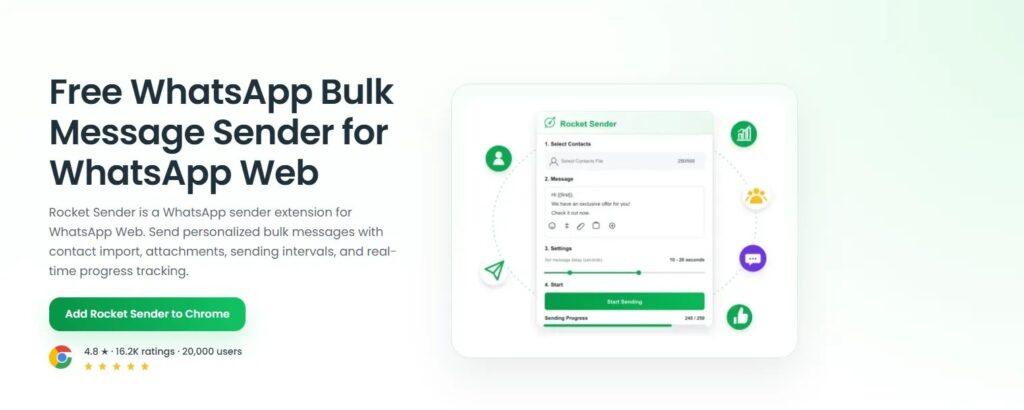
The recipient list still needs to be specific.
A delivery update should only reach customers affected by that delivery. An appointment reminder should only go to people with an upcoming appointment.
Useful communication starts with knowing exactly why each customer needs the message.
Give Customers Enough Information the First Time
A vague update often creates another question.
For example:
Your order is delayed.
tells the customer something has changed, but not what happens next.
A better message might say:
Your order #3812 has been delayed by one working day. We now expect dispatch on Thursday and will send tracking details once it leaves our warehouse.
Useful operational messages often include:
- customer name;
- order or booking reference;
- current status;
- updated date;
- and any action required.
A few extra details can prevent unnecessary back-and-forth.
Use Messaging for the Right Type of Update
WhatsApp can be useful for short, practical updates such as:
- appointment reminders;
- shipping notices;
- service changes;
- booking confirmations;
- and other time-sensitive information.
For businesses already managing customer communication through WhatsApp Web, a Free WhatsApp Sender can support these routine updates without changing the way individual customer conversations are handled.
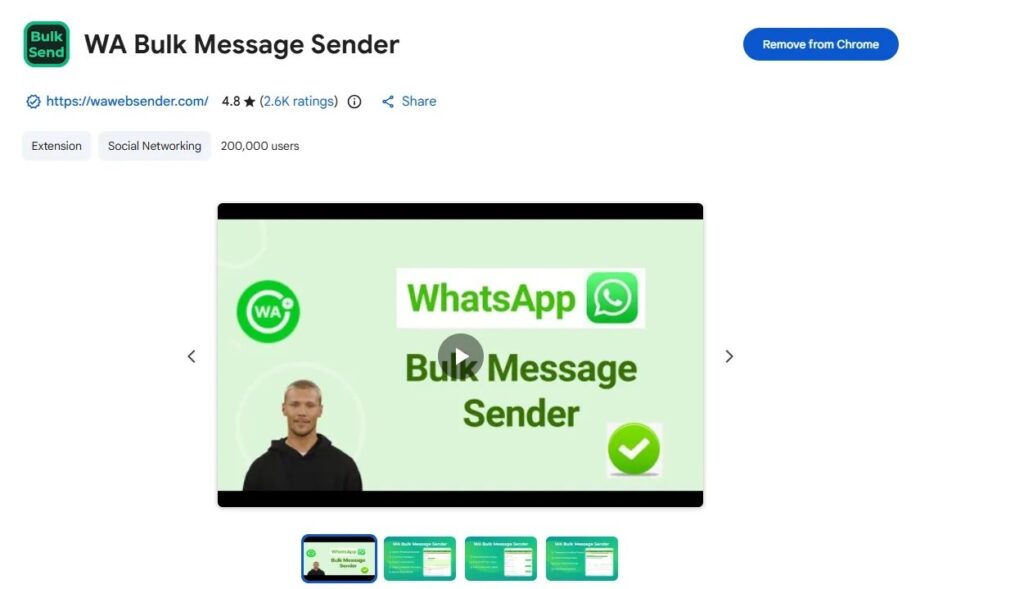
Not every situation should be standardised.
A damaged product, refund request, complaint, or complicated delivery issue still needs individual attention.
The role of messaging tools should be to simplify predictable updates, not replace customer service.
Clear Communication Builds Trust After the Sale
Small online businesses often spend most of their effort attracting customers and completing the sale.
But what happens after payment can strongly influence whether that customer returns.
A buyer who receives clear order updates knows what to expect. When something changes, they hear about it before having to ask. And if there is a problem, they know how to respond.
Post-purchase communication does not need to be complicated.
It simply needs to be timely, relevant, and clear.