


















































Introduction
PDFs are the most widely used method of sharing information across many industries. While corporations employ them for contracts, reports, invoices, and presentations, people use them for resumes, forms, and study resources. It’s still not often that you’ll find yourself looking at a PDF on a computer screen without the ability to save it. One often needs file conversion, observing, page reform, and text editing, among other tasks.
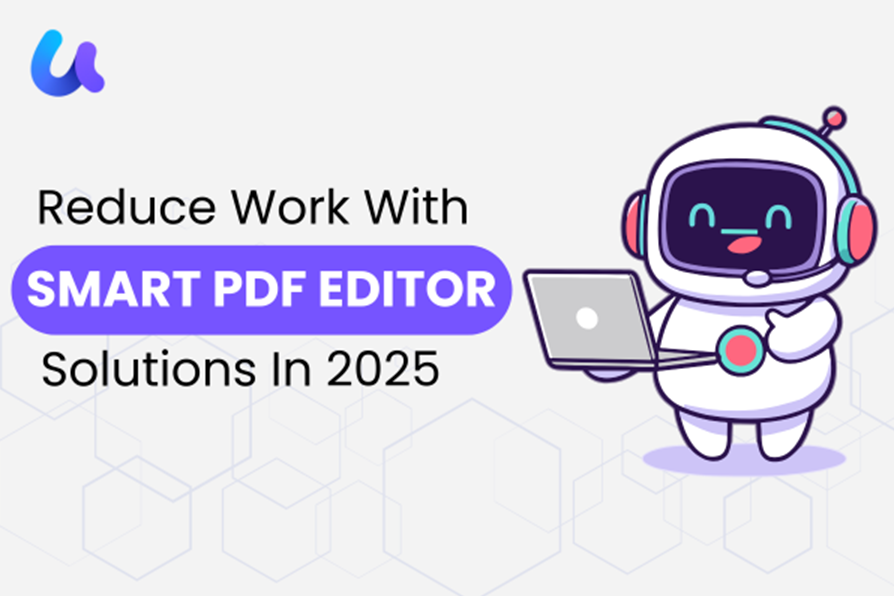
Reliable Pdf Editors That Let You Work More Rapidly
Your ability to interact with your papers determines how successful your document management will be. Without going further, a decent PDF editor should let you view, edit, and send documents. The tools listed below offer several approaches for PDF editing, ranging from complex systems to basic built-in tools.


1. UPDF PDF Editor
UPDF is a modern PDF editor for individuals looking for basic tools without overly complicated menu navigation. It emphasizes usability while also covering daily documentation operations.
Core Capabilities
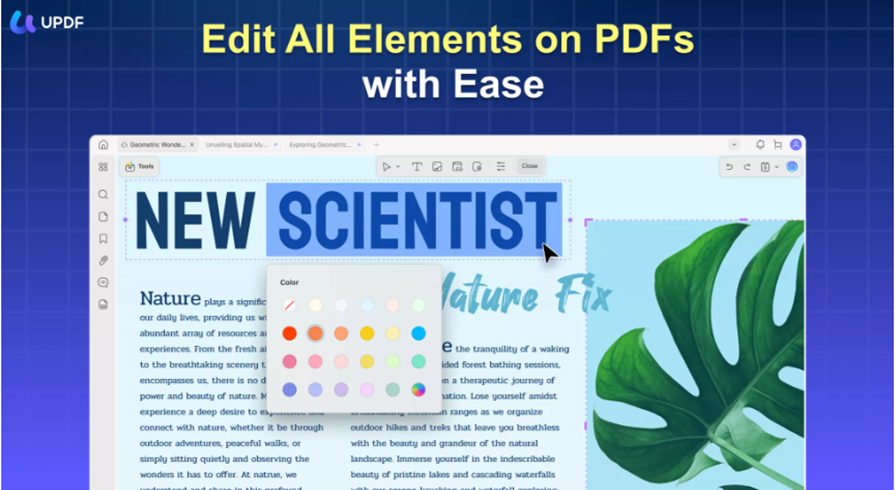
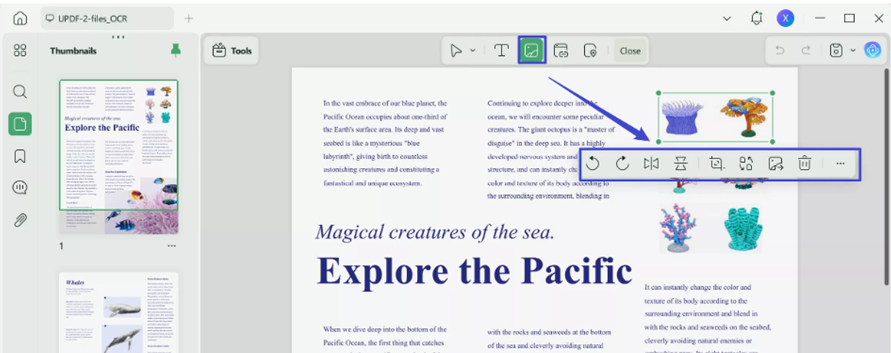
UPDF provides text and graphic editing within a PDF file, making it easy for users to edit PDF content. Even collaboration tools, including highlight, comments, and shapes, can be used for evaluating a document. UPDF also supports file conversions, and users can convert a PDF document to Word, Excel, PowerPoint, etc.
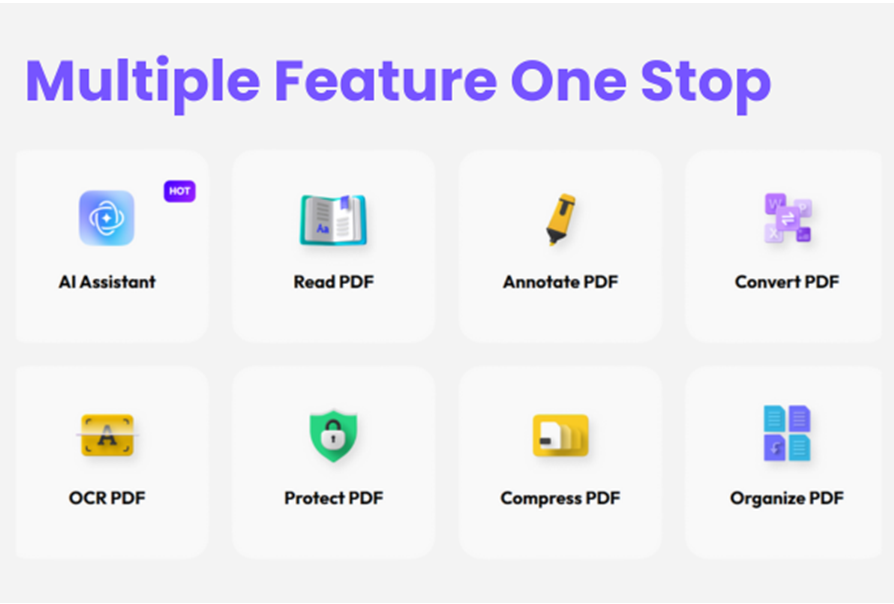
Another functional feature of Office Online is OCR, which facilitates converting scanned documents into a text form where one can search and edit PDF content. Office Online’s page organization features help users rearrange, retrieve, separate, or combine worksheet pages.
Pros
- UPDF’s clean and simple interface is why users can learn it quickly.
- UPDF provides users with smooth performance regardless of the operating system they are using (Windows, Mac, iOS and Android).
- Best output across platforms
- Low pricing compared to other full-featured PDF editors
- Time to time updates to improve smoothness in performance
Cons
- The workflow automation capabilities available on UPDF are less advanced.
- Some enterprise-specific tools available on UPDF are less effective.
2. Adobe Acrobat : A Respected Brand Among Businesses
With a long standing reputation in the PDF world, Adobe Acrobat is a well established, respected brand among businesses that need precise control over document formatting, security, and compliance.
Core Capabilities
Adobe Acrobat comes with many useful capabilities. It provides text and images editing features along with comparing multiple documents and creating forms. It gives advanced security options to its user including password protection and permissions controls. Moreover, at the same time multiple users can review & comment on the same documents because it allows its users to collaborate in the cloud.
Pros
- Offers multiple features
- Robust security and compliance features.
- Initiative level support for many companies and institutions.
Cons
- Pricing can be expensive for individual subscribers.
- Requires a minimum amount of computer processing to function properly on older computers.
3. Foxit PDF Editor
Foxit PDF editor is typically chosen by organizations because they want extensive functionality without the resource demands associated with larger software packages. Thus, they search for a Foxit PDF editor. Foxit PDF Editor provides businesses with a good balance between high quality functionality and efficient operation.
Core Capabilities
Foxit provides the ability to digitally sign and protect documents, as well as remove personal or confidential information (called “redacting”) from electronic files. A user can process multiple files at the same time using Foxit, eliminating redundant work associated with processing files in sequence. Foxit allows users to connect to popular cloud storage solutions, making it easier to share files with other team members.
Pros
- Quick in performance as compared to other PDF Editors in the market.
- Multiple users can access it together without any problem
- Multiple licensing options to fit different types of users.
Cons
The disadvantages of the PDF Preview app for macOS are that the interface design may feel dated to some users and that you will need to purchase additional software or plugins to take advantage of the app’s more advanced features.
There is also a learning curve and it may take time to get used to it.
PDF Preview
As compared to other editors, PDF Preview does not have advanced capabilities. But it allows its users many basic functionalities to annotate, highlight, add notes. You can easily reorder pages, delete pages, and enter information on forms. You can create and sign documents digitally and it is also possible to export a PDF as an image file.
Pros
- Built into macOS
- Doesn’t require any setup or any manual installation
Cons
- Limited editing abilities
- Not fully editable in PDF
- Only available for macOS
Choosing A Pdf Editor
A very simple and most important aspect to keep in mind while considering an editor is usage requirements. If you just need a basic PDF editor for annotating or signing, look for a simple PDF editor. If you are handling contracts, reports, or documents with multiple versions, a more advanced PDF editor may be needed. Such a tool should offer enhanced editing capabilities, robust security features, and reliable conversion options without changing the intent of the document.
Conclusion
Eventually, the PDF editor you choose can significantly affect your business performance. Going with a useful PDF editor can give you a stress free workflow. To stay informed with the pros and cons of multiple editing tools can help you make wise decisions. Because there are many PDF Editors available in the market. If you want a reliable option that balances ease of use with strong core features, UPDF is worth considering.