




















![5 Best CFD Brokers for Beginners [UK, 2026]](https://todaynews.co.uk/wp-content/uploads/2026/03/Invest-360x180.jpg)































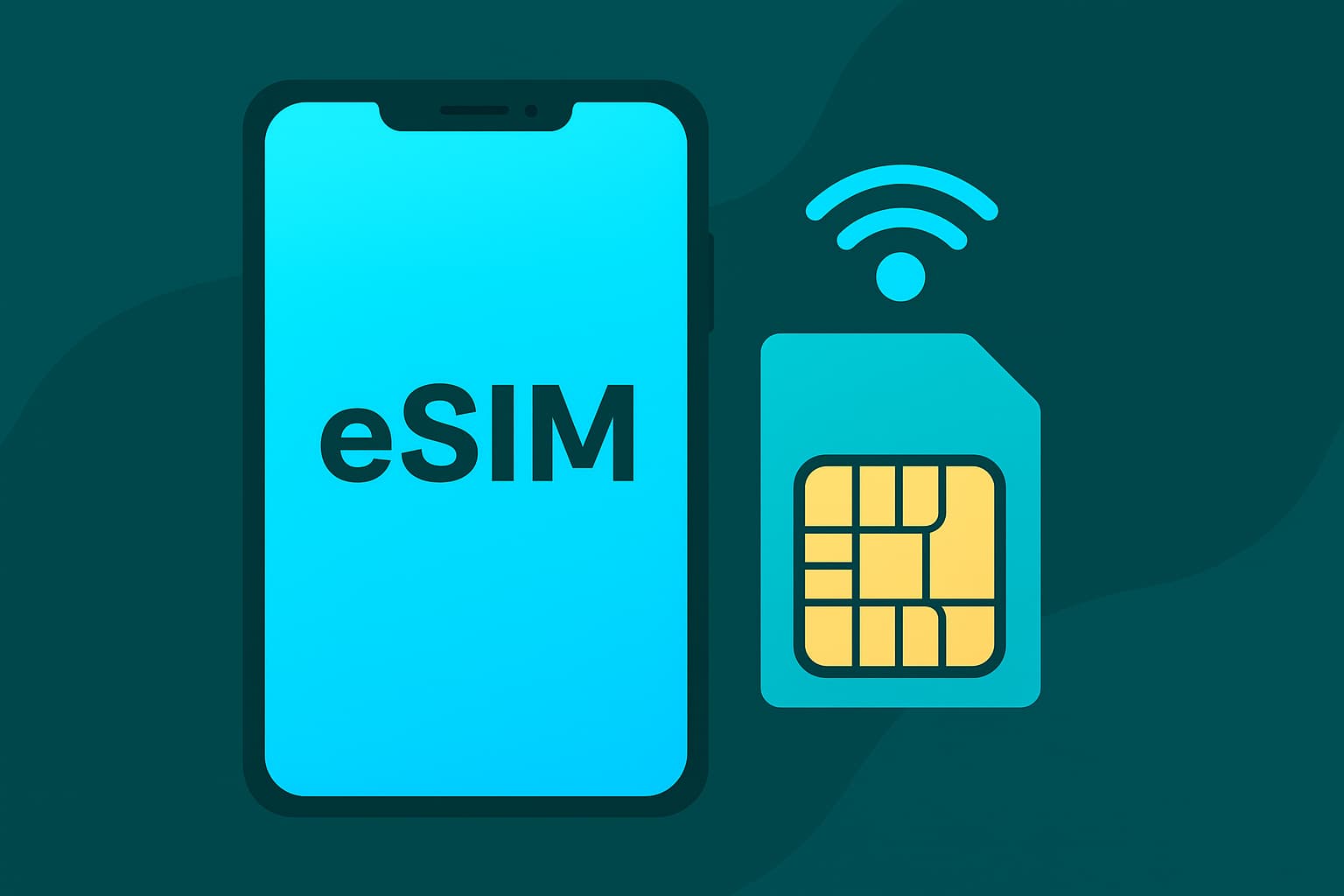
Staying connected has become an essential part of travel, work, and daily routines. Many devices now support both a physical SIM and an eSIM, creating more flexibility for users who move between locations or prefer separate profiles for travel and home use. This flexibility works best when the switch between profiles happens smoothly, without sudden drops in service or connection issues.
Travelers often activate a prepaid travel eSIM to maintain reliable data access during trips abroad, then switch back to a home SIM after returning. To keep the transition seamless, a clear grasp of phone settings and network behavior makes a meaningful difference. This article explains the steps, tips, and checks that help maintain uninterrupted service throughout the switch.


How SIM Profiles Work Inside Modern Devices
Switching between SIM profiles becomes easier when the internal mechanics are clear. Modern smartphones allow one active physical SIM and one active eSIM, though some models support multiple profiles stored at once. Only selected profiles stay active at a given time, so choosing the correct setup avoids interruptions.
A physical SIM connects through the card slot, while an eSIM profile is stored digitally inside the device. Each profile carries its own data plan, network access, and configuration. Switching simply tells the device which option to prioritize for data, voice, or text, depending on the user’s setup and needs.
Key Differences That Matter During Switching
- A physical SIM uses a removable card.
- An eSIM uses an embedded chip with downloadable profiles.
- Devices offer priority settings for data, voice, and messaging.
- Switching affects which network handles each service.
With this structure in mind, users gain better control over how their device behaves as they toggle between profiles. The process stays smooth as long as configuration settings match the intended usage.
Steps to Move Between SIM Types Without Losing Service
Clear steps prevent disruptions during transitions. Devices from various manufacturers share similar menu layouts, though the wording may differ slightly.
Main Steps to Follow
- Open the mobile settings menu.
- Access the section for SIMs or mobile network profiles.
- Select the profile intended for activation.
- Assign the profile to data or other services.
- Confirm changes and watch for network registration.
If the device takes more than a few seconds to connect, toggling airplane mode off and on often helps the device register the active network more quickly.
Preventing Conflicts Between SIM Profiles
Conflicts arise when the device tries to pull service from both profiles for the same function. To avoid this:
- Assign only one SIM as the primary data source.
- Assign only one profile for outgoing texts.
- Disable unused profiles while traveling.
- Keep roaming settings aligned with the active plan.
These simple adjustments provide consistency and help avoid accidental usage of the wrong plan.
Features That Keep Service Stable During the Switch
Several device features support smooth transitions between SIM types. Using them wisely helps maintain a strong connection with minimal interruptions.
Priority Assignment Controls
Smartphones allow separate selections for data, calls, and messaging. Assigning each service to the correct profile ensures predictable network behavior. Travelers often want data handled by the travel profile while calls stay on the home SIM. This dual control setup prevents mix-ups.
Signal Refresh Tools
Airplane mode helps refresh network registration. Restarting the device also strengthens the chance of proper network recognition. These steps are quick and typically resolve minor connection delays.
Ideal Scenarios for Switching
- Returning home after international travel.
- Preparing for a flight and turning off roaming.
- Switching to a better local plan for heavy data periods.
A prepaid travel eSIM plan fits many of these scenarios well due to its flexibility and simple activation process.
Ways to Avoid Service Interruptions During Transitions
Losing connection at a crucial moment can be frustrating. A few ongoing practices help keep the device stable.
Helpful Precautions Before Changing Profiles
- Check the balance or validity of the profile being activated.
- Ensure the device supports the destination network band.
- Update carrier settings if the device prompts for them.
- Keep Wi-Fi available as a backup during the switch.
Profile validity is especially important. An expired data plan may cause the device to fall back to another SIM, leading to charges or unexpected usage.
Network Checks After Activation
Once the switch occurs, verifying that the correct network appears in the status bar confirms everything is functioning as expected. Opening a browser page or an app that requires light data use provides a quick test.
Choosing the Right eSIM Provider for Smooth Switching
Selecting a dependable provider supports stable performance while switching between SIM types. Reliable providers offer strong network partnerships, simple dashboards, and easy top-up options. This reduces stress while traveling or moving between usage needs.
What Sets a Good Provider Apart
- Clear plan structures with no hidden fees.
- Strong coverage in multiple countries or regions.
- Easy installation instructions and responsive support.
- Flexible plan durations suited for short or long trips.
Travelers benefit from selecting a prepaid travel eSIM plan that combines affordability with strong connectivity across major destinations. Smooth switching relies on a provider that maintains consistent network access throughout the journey.
Switching between a regular SIM and an eSIM does not have to interrupt service when handled with the right steps. Clear knowledge of device settings, priority assignments, and network registration helps create a reliable experience. A stable and flexible eSIM option adds more confidence for frequent travelers who need dependable data on the go. Understanding how to manage both SIM types ensures steady service wherever the journey leads.